610 Scouting Web 2027 (WIP)
A Next.js dashboard for Team 610's scouting data, with its own sign-in, roles enforced on the server, live updates over WebSockets, and an admin panel for mentors.
Sole developer · 2027
Overview
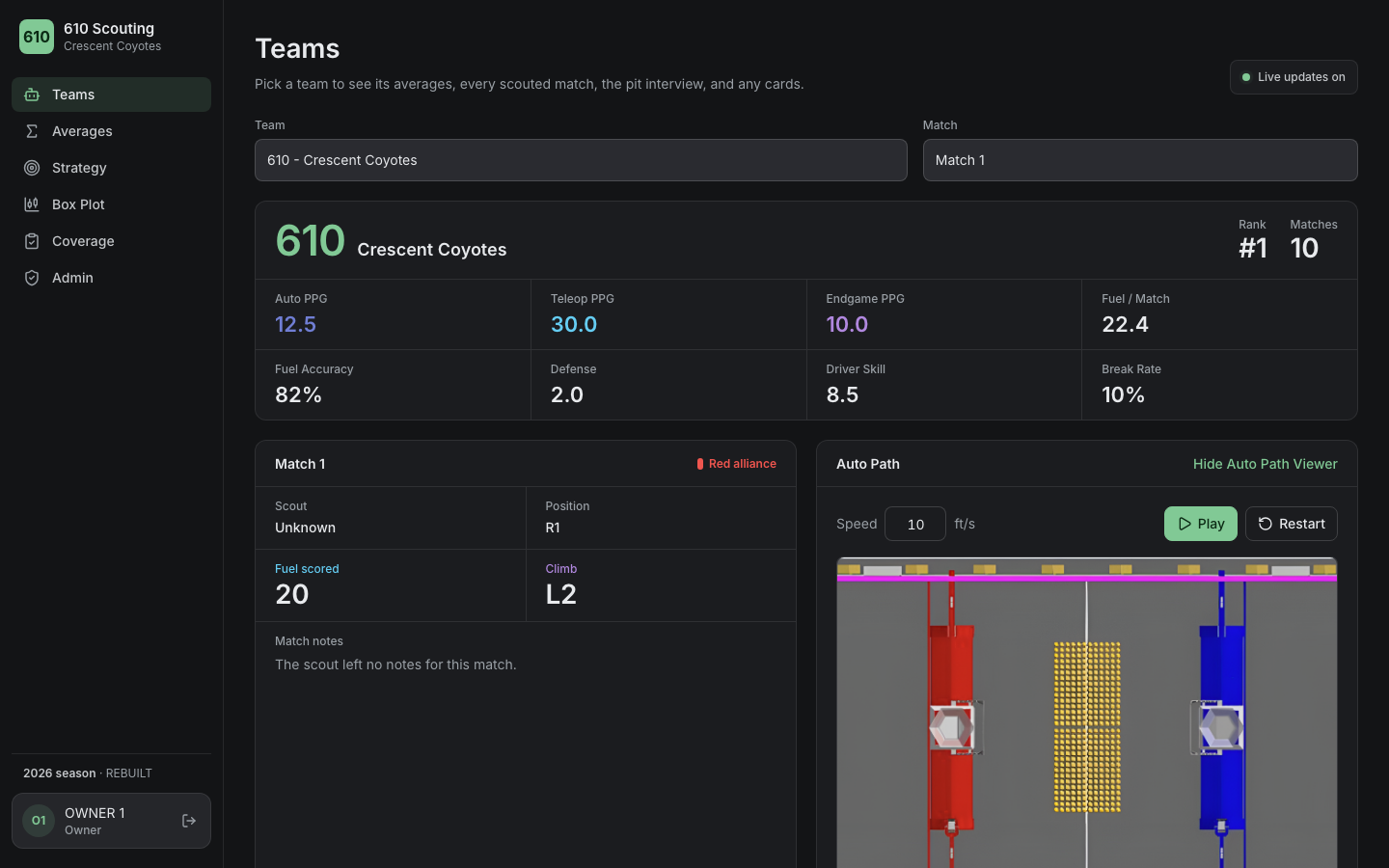
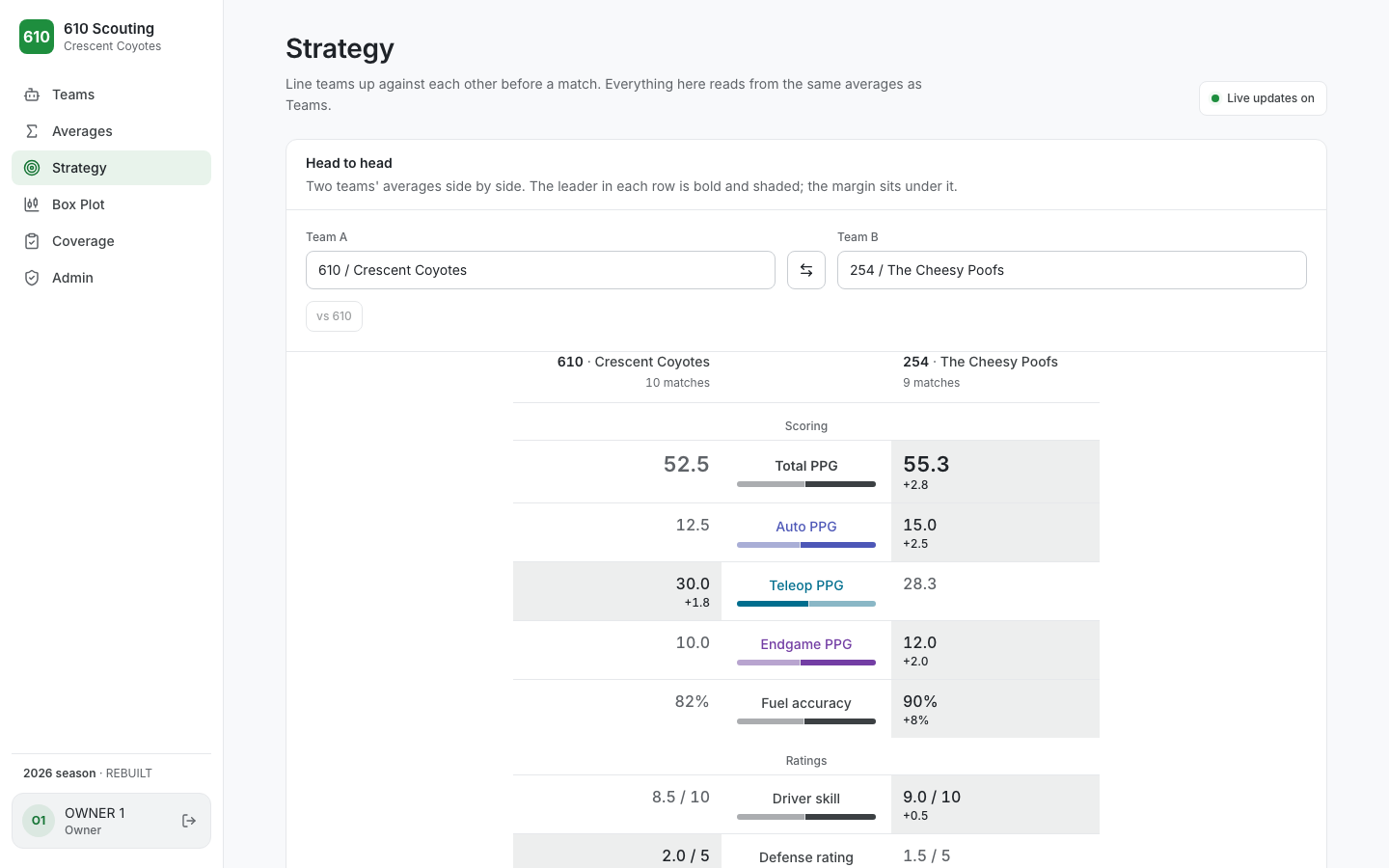
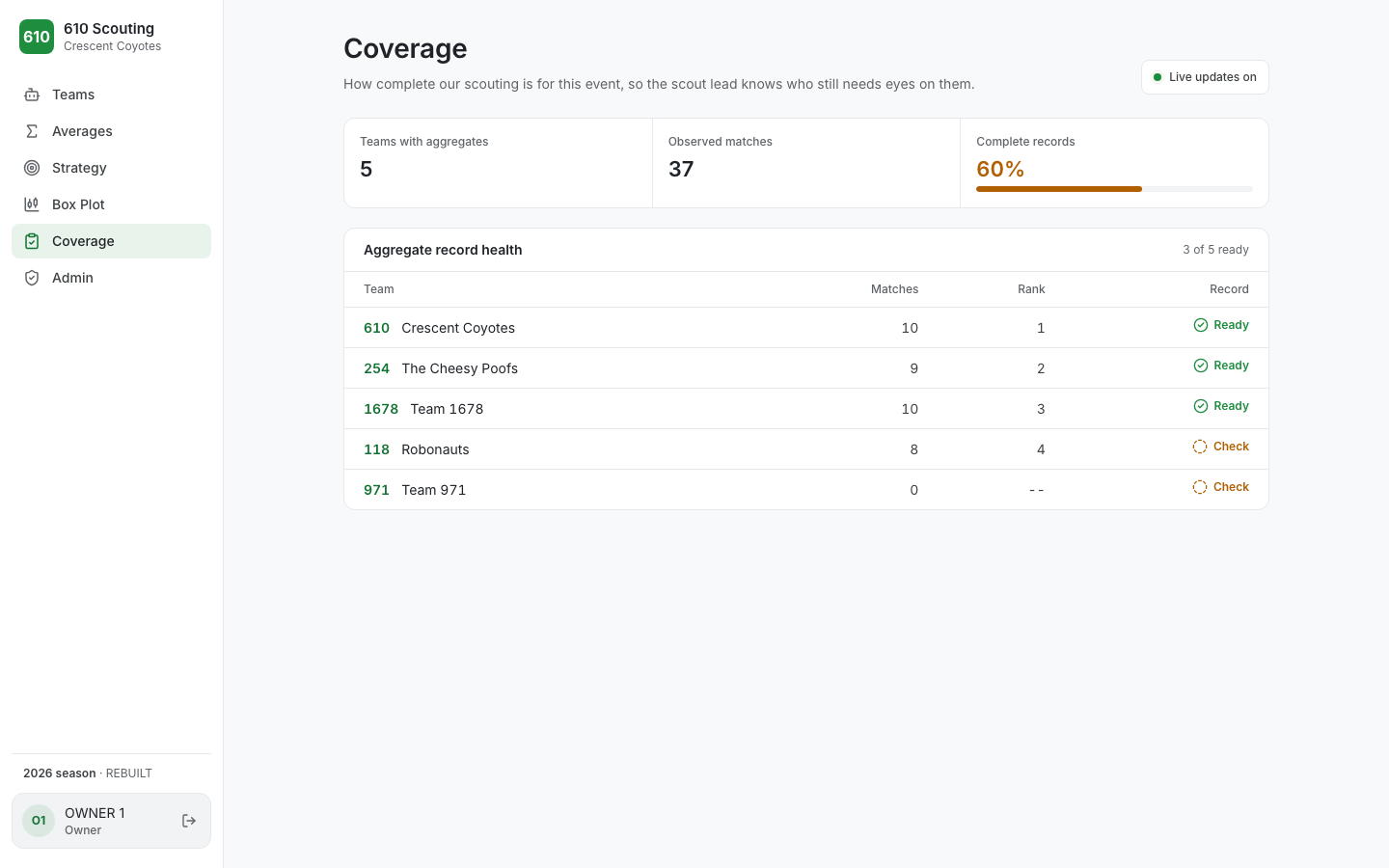
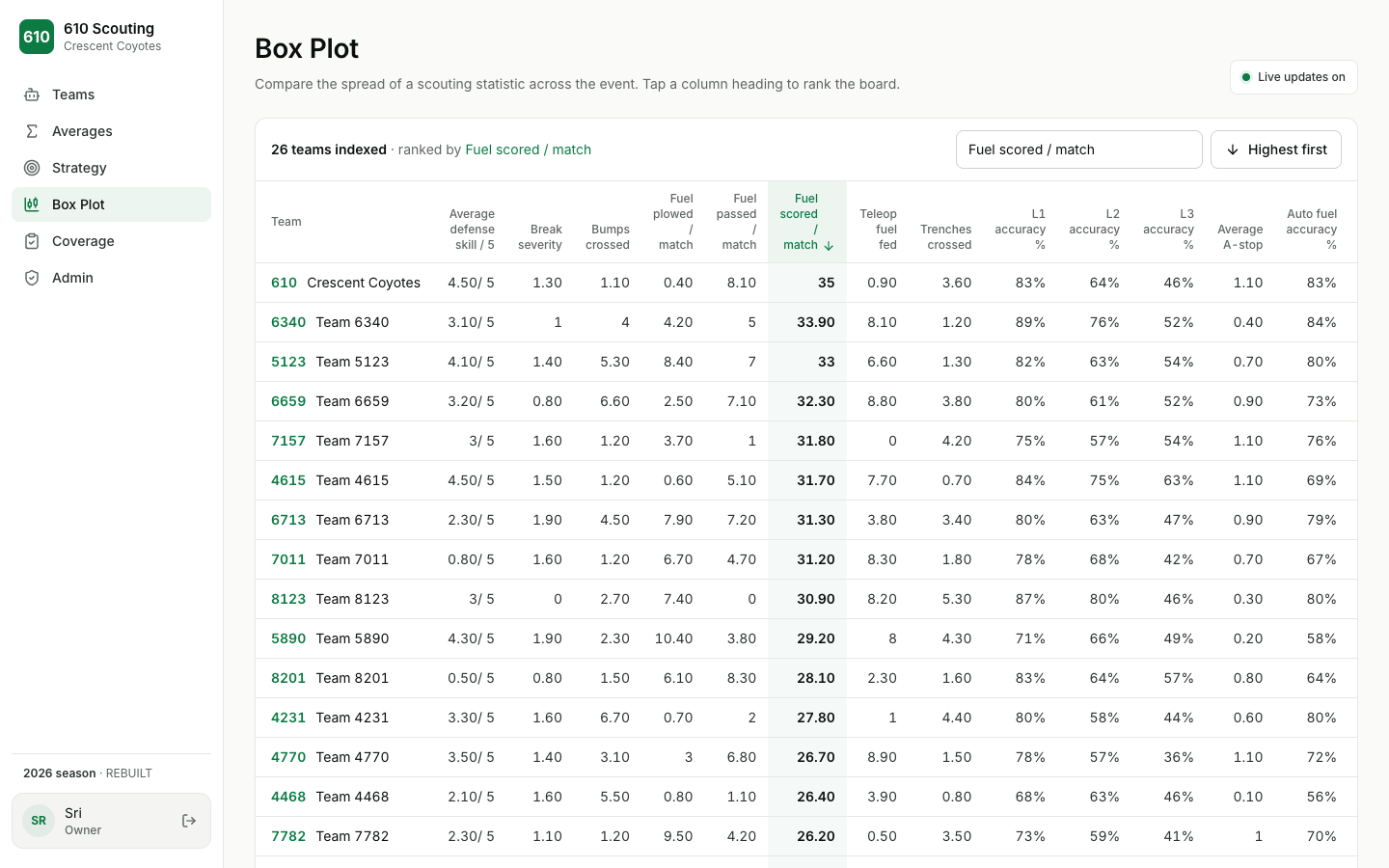
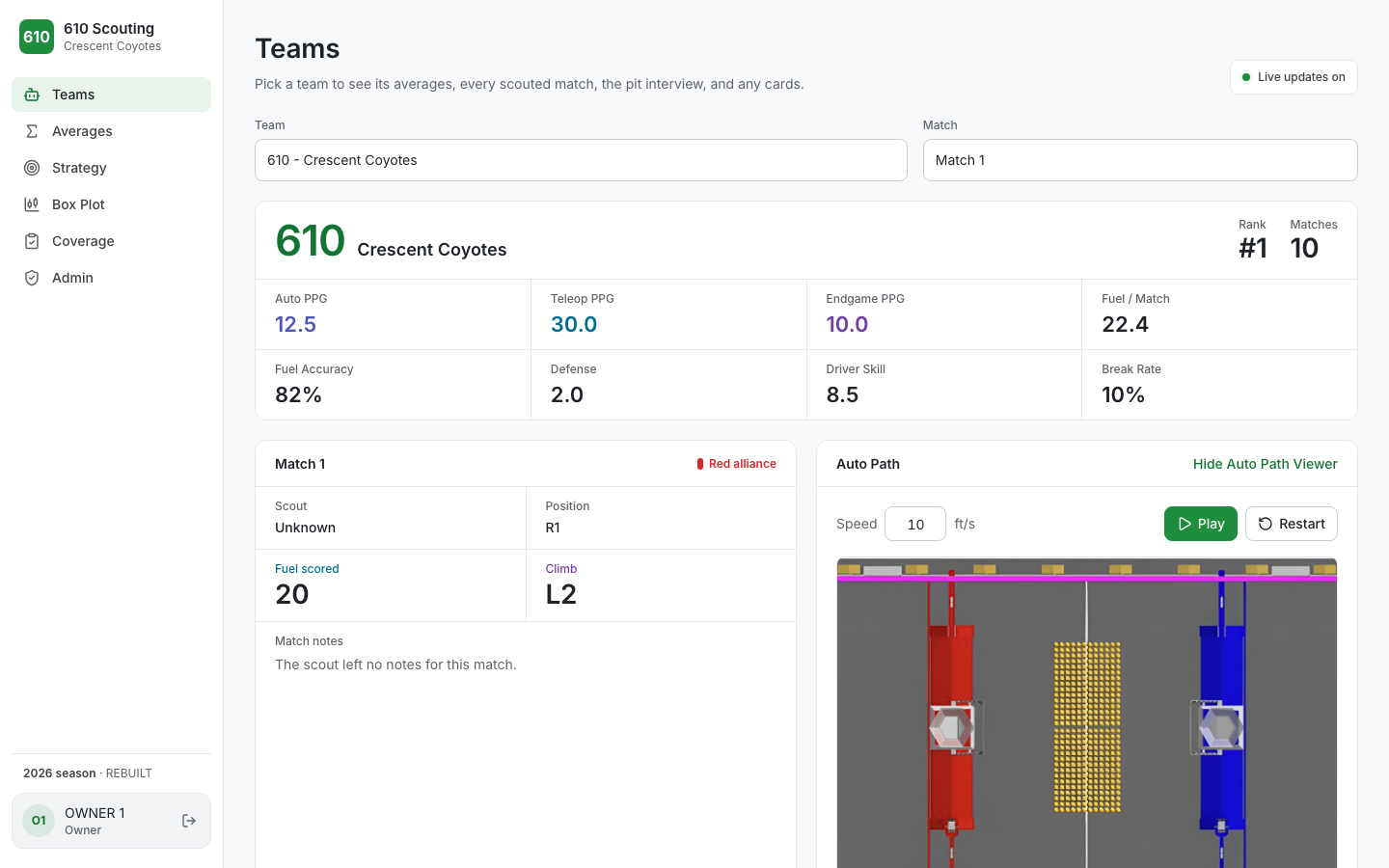
A web platform for analyzing Team 610's scouting data. It reads the documents the scouting app produces from Couchbase Sync Gateway and presents them as Teams, Averages, Box Plot, Strategy, and Coverage views.
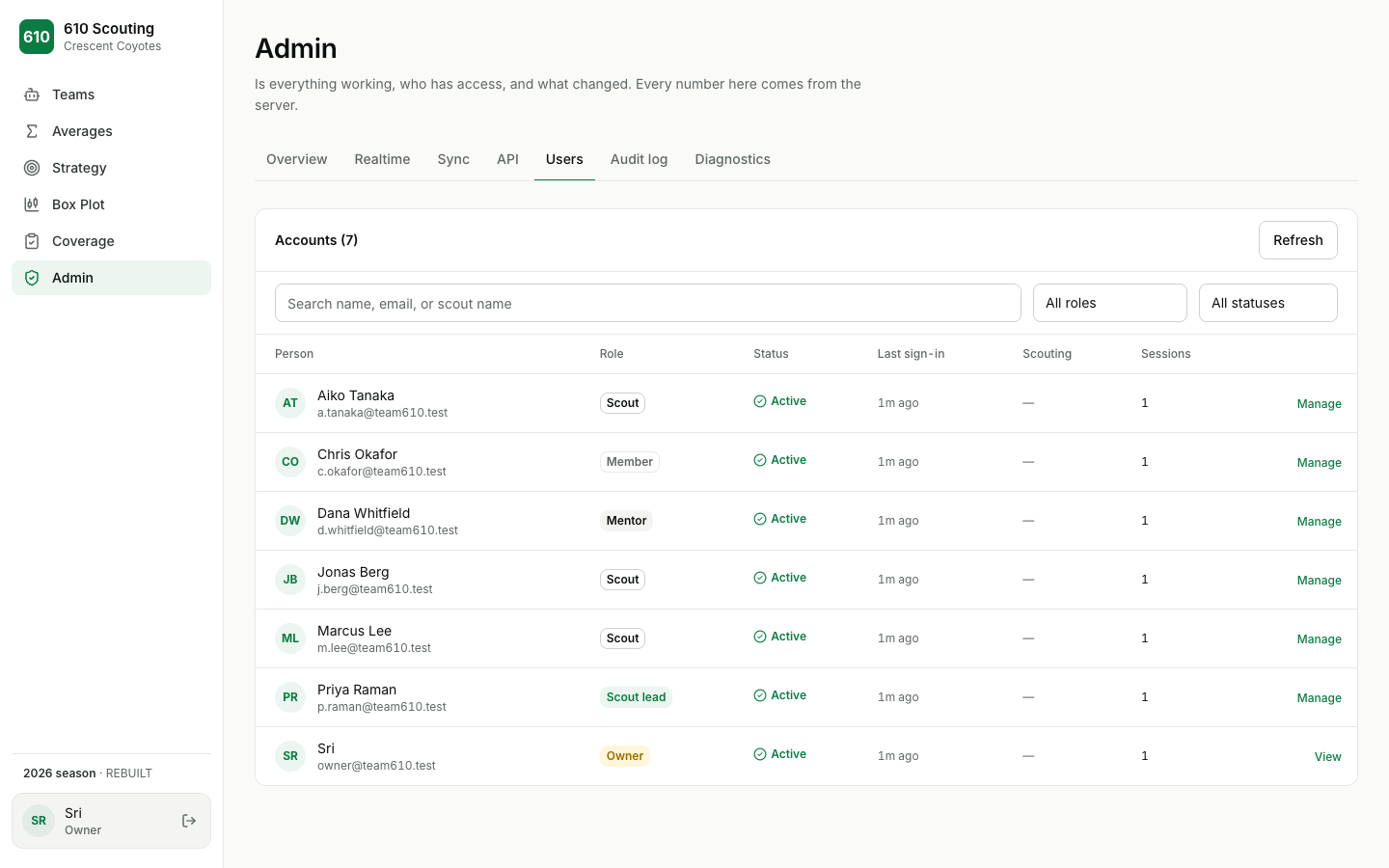
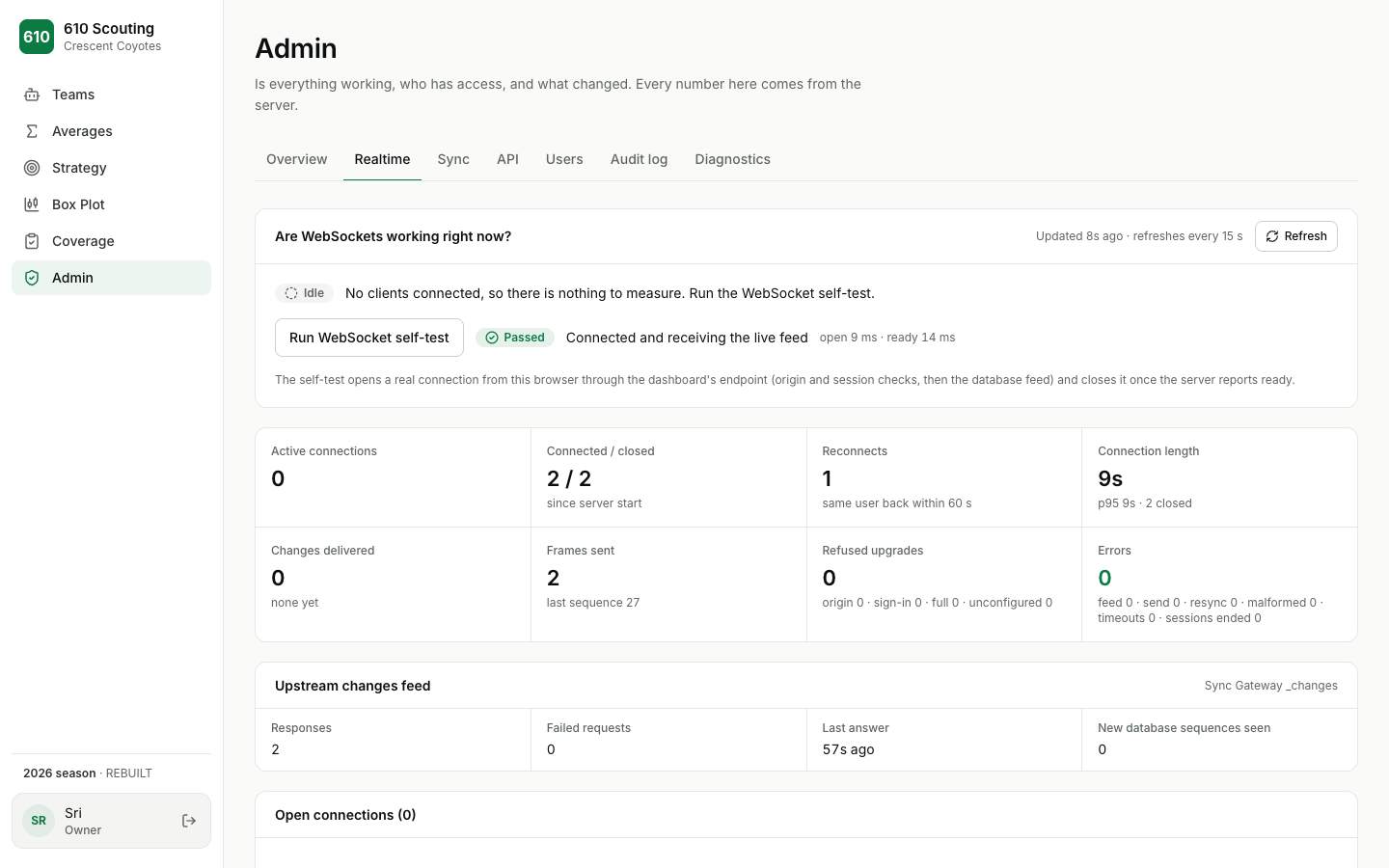
Everyone signs in with Google or Apple first. New accounts wait for approval, and what each person can see and do depends on their role. Mentors and the Owner get an operations panel covering system health, the realtime feed, sync status, API metrics, users, sessions, and an audit log.
Problem
In 2026, data entry and analysis lived in the same tablet app. This project moves the analysis side to the web: it reads the same Couchbase data, works on any device with a browser, and requires an approved, signed-in account to see anything.
What I did
Everything in the repository: the Next.js app, the authentication system, the realtime server, the admin panel, the test bench, and the documentation.
Built with
- TypeScript
- Next.js
- React
- Tailwind CSS
- WebSockets
- Couchbase Sync Gateway
- OpenID Connect
- Playwright
- GitHub Actions
- Vercel
Architecture
Next.js App Router. Everything behind sign-in sits in one route group with a shared sidebar shell. A proxy redirects signed-out visitors to the welcome page, and every page and API route re-checks the session on the server.
A server-only repository reads aggregate and pit documents from Sync Gateway's REST API, with a 20-second snapshot cache. Accounts, sessions, and the audit log live in a separate Sync Gateway database, or in a local file during development.
Roles and permissions are defined in a single module, and API routes go through one guard that answers "who is asking?" for every request.
Live updates run on WebSockets. Locally, a small Node server handles the upgrade and hands everything else to Next.js; on Vercel, the same route uses Vercel's WebSocket support with Fluid Compute.
- 01
Sync Gateway
Scouting, pit, and aggregate documents
- 02
Changes feed
Server long-polls from a sequence
- 03
WebSocket relay
Session-checked, allow-listed fields
- 04
Dashboard
Merges by revision, resumes on reconnect
Google / Apple sign-in: Accounts, sessions, five roles
The challenges
Keeping every open tab consistent
Each page renders from a snapshot plus that snapshot's sequence number, then subscribes from that sequence. The browser keeps the newest revision it has seen for each document, ignores stale or out-of-order events, and merges REST results against the same store. After a disconnect it reconnects with backoff and resumes from the last sequence it applied; if Sync Gateway rejects that sequence, the page reloads its data in place.
Privacy on a live feed
The relay only forwards known document types and explicitly selected fields; scout names, photos, and free-text notes never leave the server. Each socket's session is re-checked every minute, and the connection closes as soon as a session is revoked.
WebSockets across two runtimes
A plain Next.js dev server can't hold a WebSocket open on an app route, so local development runs through a small custom server while production uses Vercel's WebSocket support. Both share the same protocol and bridge code.
Tests that can't quietly pass
The test runner keeps a manifest of required test files and minimum test counts, and fails if any suite is skipped or shrinks. Contract tests run against a real Couchbase and Sync Gateway in Docker, and the fake Sync Gateway used elsewhere models the real server's reserved-property rules.
Screenshots